

Yutechs

Take your pick—we've got you covered.

EXPLORE SOME OF OUR MOST POPULAR APPS

Lorem ipsum dolor sit amet, consectetur adipiscing elit, sed do eiusmod tempor incididunt ut labore et dolore magna aliqua. Ut enim ad minim veniam, quis nostrud exercitation ullamco laboris nisi ut aliquip ex ea commodo consequat.

Unlock the Power of Zoho Ecosystem

Discover Our Featured Products

Step into a world of endless possibilities with Zoho!

Explore our suite of powerful tools designed to streamline your business operations, enhance customer experiences, and drive growth. From project management to customer engagement, 

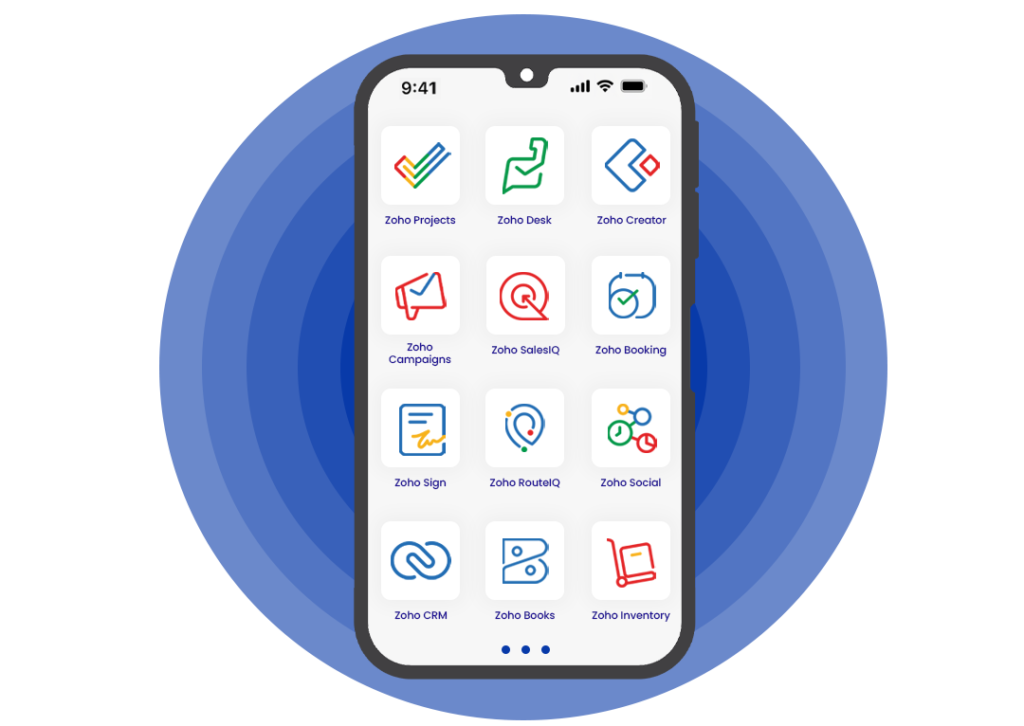
Zoho Projects

Effortlessly manage projects, collaborate with teams, and meet deadlines with Zoho Projects. Stay organized, stay on track, and bring your ideas to life seamlessly

Zoho Desk

Deliver exceptional customer support and build lasting relationships with Zoho Desk. Empower your team to provide timely assistance and resolve queries with ease.

Zoho Creator

Unleash your creativity and build custom applications tailored to your unique needs with Zoho Creator. No coding required, just endless possibilities.

Zoho Campaigns

Engage your audience, nurture leads, and drive conversions with Zoho Campaigns. Create targeted campaigns, track performance, and watch your business grow.

Zoho SalesIQ

Supercharge your sales and provide personalized assistance to visitors in real time with Zoho SalesIQ. Turn website traffic into loyal customers effortlessly.

Zoho Booking

Simplify appointment scheduling, manage bookings efficiently, and optimize your calendar with Zoho Booking. Say goodbye to scheduling hassles.

Zoho Sign

Go paperless and streamline document signing processes with Zoho Sign. Secure, convenient, and legally binding signatures at your fingertips.

Zoho RouteIQ

Optimize delivery routes, reduce costs, and improve efficiency with Zoho RouteIQ. Navigate your way to success with intelligent route planning.

Zoho Social

Amplify your brand presence, engage with your audience, and track social media performance with Zoho Social. Stay ahead in the digital landscape effortlessly.

All-in-one suite

Discover Zoho One

Your Comprehensive Solution for Business Success. Streamline Operations, Boost Productivity, and Unleash Growth with Every Tool You Need, All in One Integrated Suite.

FAQ

ASK US ANYTHING

Log in to your Zoho Desk account, click your profile icon in the upper-right corner, click Zoho Account at the bottom of the profile window, click the photo avatar, click Upload a photo from your computer, choose who can see your photo, and then click Upload.

Log in to Zoho CRM with Administrator privileges, click Setup > Customization > Modules and Fields, select the desired module from the Modules page, type in the search bar, click on the arrow on the right side of the desired module, select the fields that you would like to have from the drop down box in the respective columns, and then click Save.

Go to Setup, select ** Layouts and Fields**, click Fields List under the ** Layouts and Fields** sub-menu, select a module, click Create or Edit Fields, drag and drop fields from the list of fields types, enter the properties of the field, and then click Add, and then Save. 

 
Zoho Cares
 
FAQs: General questions on customization – Zoho Cares
How can I customize the Home tab? … Log in to your account and click the Home tab. Click the customizable view icon. You can switch between the Classic view and Customizable view at any point. The classic view displays ‘tasks’, ‘events’ and ‘pipeline by stage’ by default. You cannot change anything here. If you want these three components, you can choose this view. To add a component, click Add Component. Select the module from the drop-down list. In this case, Leads. Enter a Component Name. For example, ‘Today’s Leads’. Select the Column Layout. Select the list view that has to go on the Home tab.
Zoho Cares
Scroll to Top
Receive the latest news

Subscribe To Our Weekly Newsletter

Get notified about new articles